One workspace. Every tool you need to stay in it.
Pomodoro timer, distraction blocker, and daily goal tracker — together in a single window, designed to disappear once you start working.
The focus problem, quantified
Three tools. One window. No clutter between you and the work.
Every feature was chosen because removing it would cost you something real. Every feature not here was removed for the same reason.
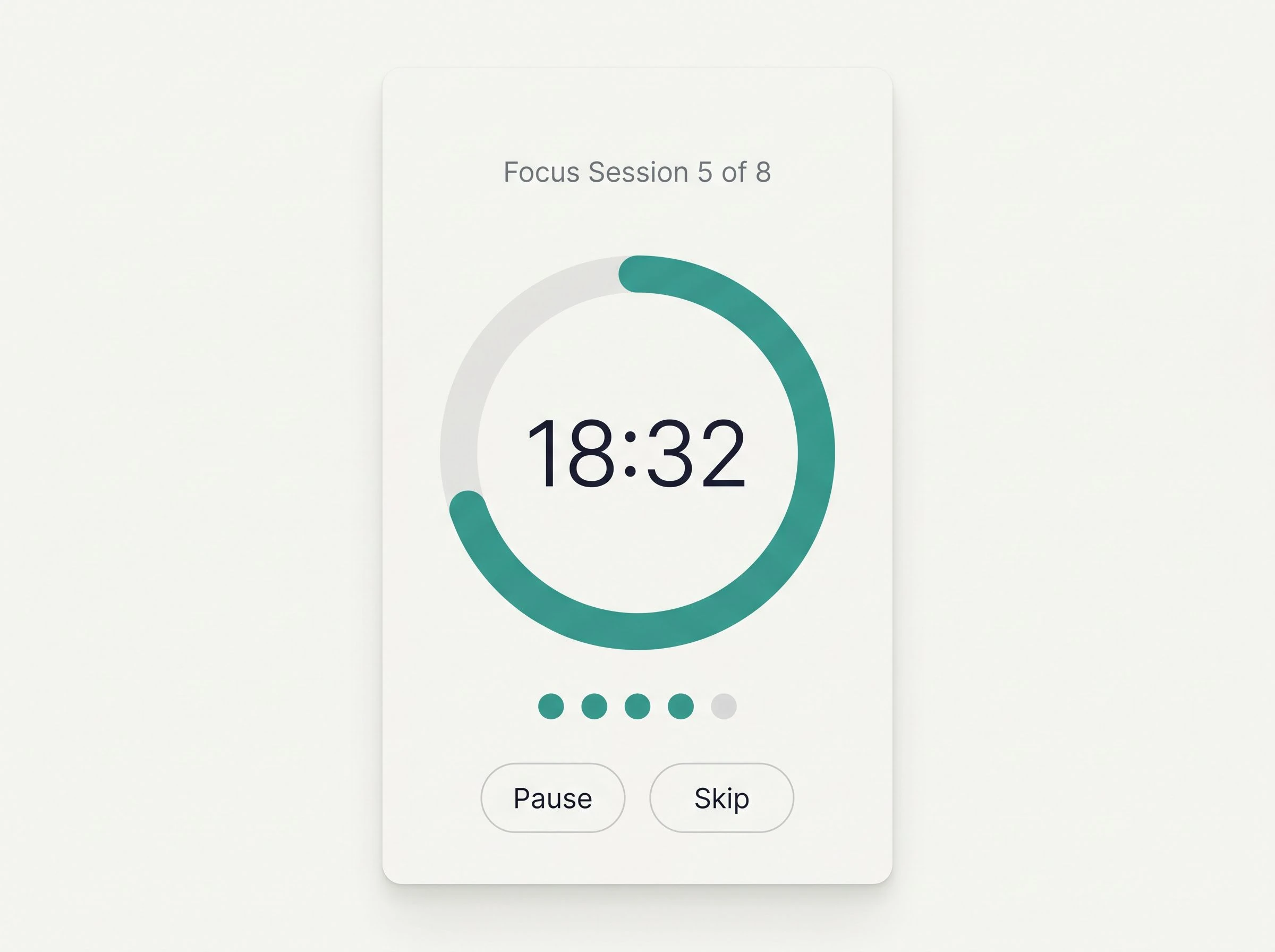
Pomodoro Timer
Active session ring, session count, and configurable intervals — visible at a glance, ignorable once you're in flow. Session history accumulates silently in the background.
Distraction Blocker
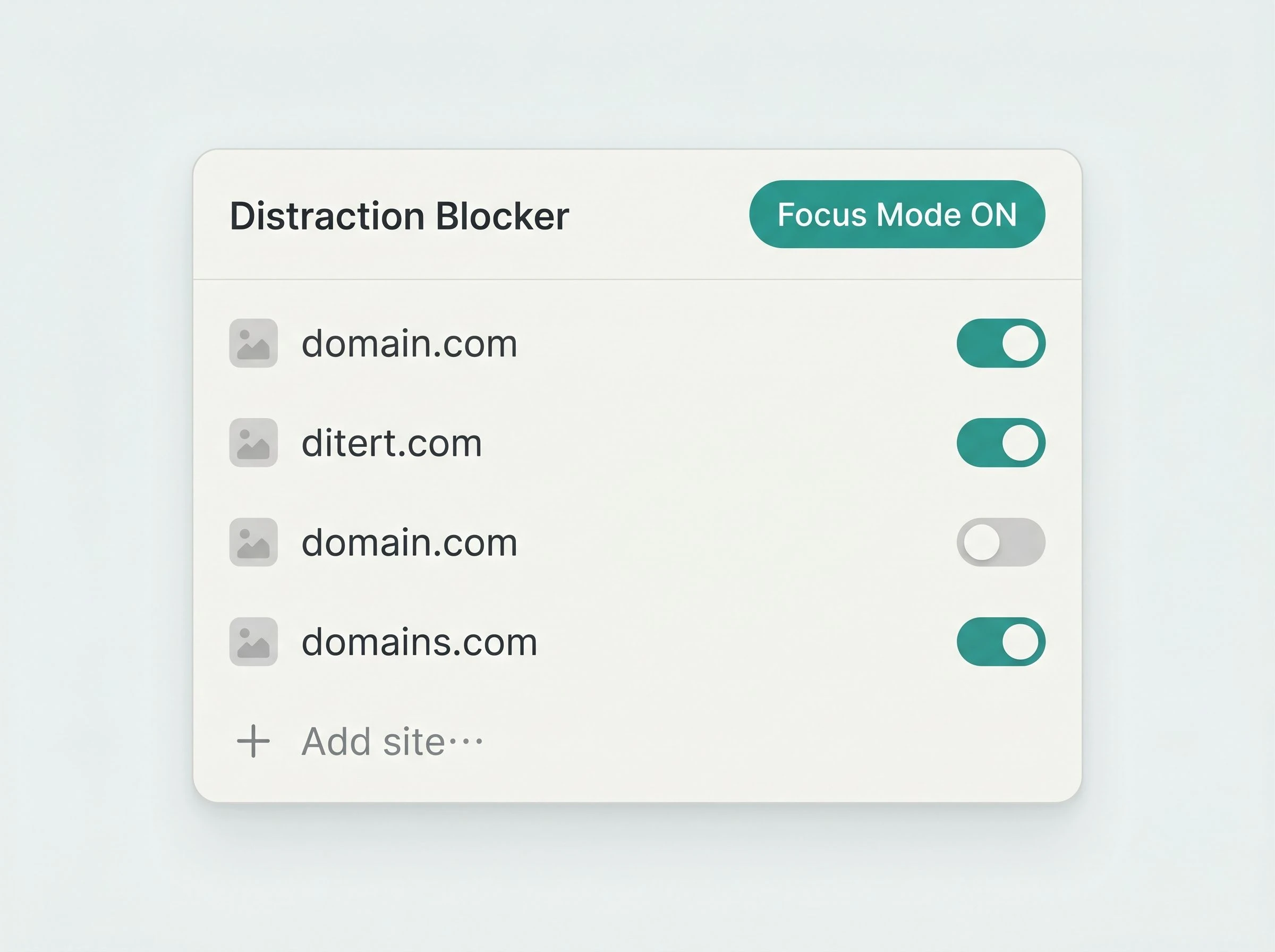
System-level blocking with a one-click activation list. No browser extension. No permissions. No cloud relay. It works when you're offline and asks nothing of your data.
Daily Goal Tracker
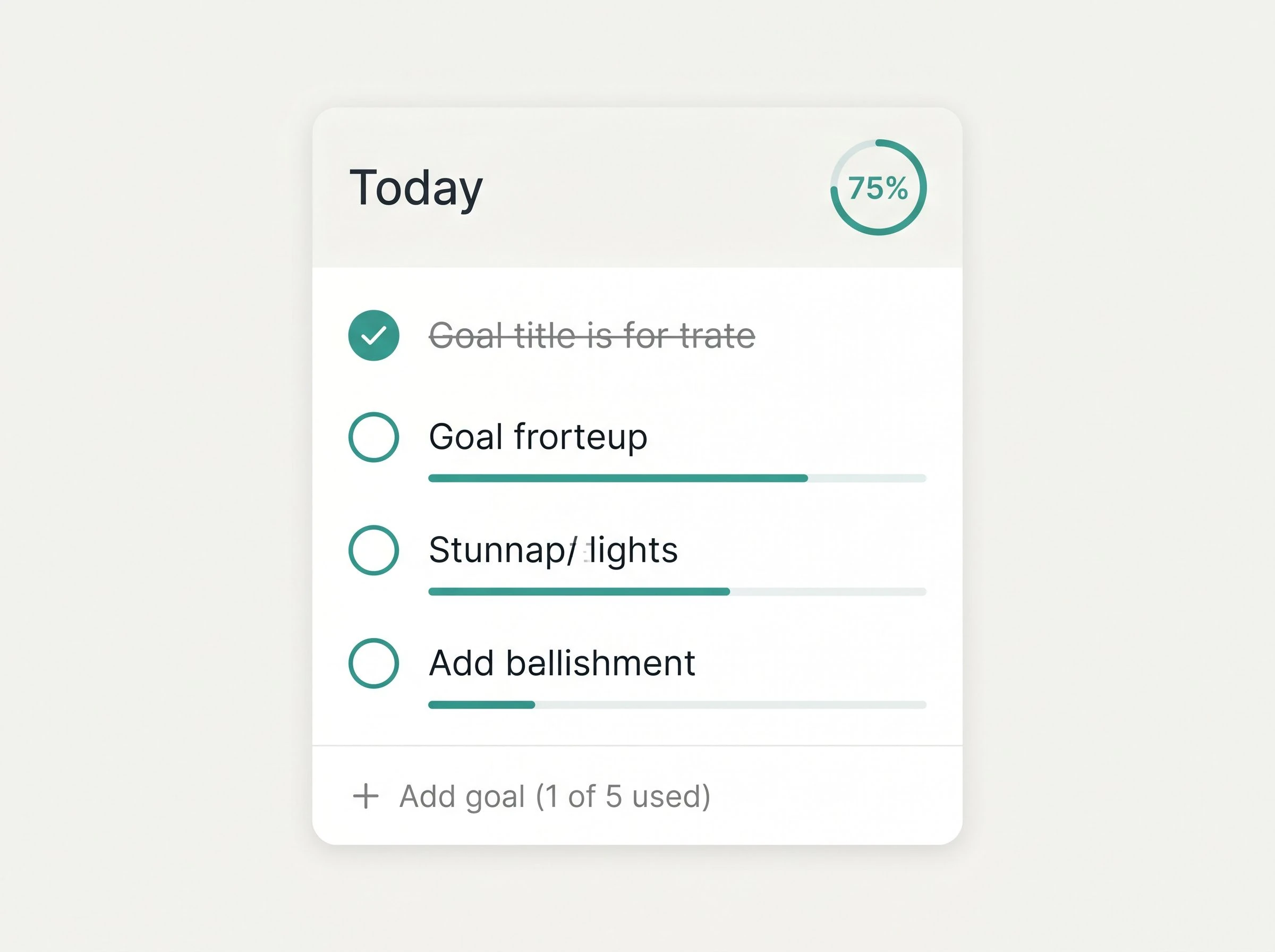
Collapses to a sidebar when focus mode is active, so your goals stay present without demanding attention. Capped at five per day — by design.
Every feature is a decision, not a default.
Here is why each one works the way it does.
Timer — configured once, remembered always
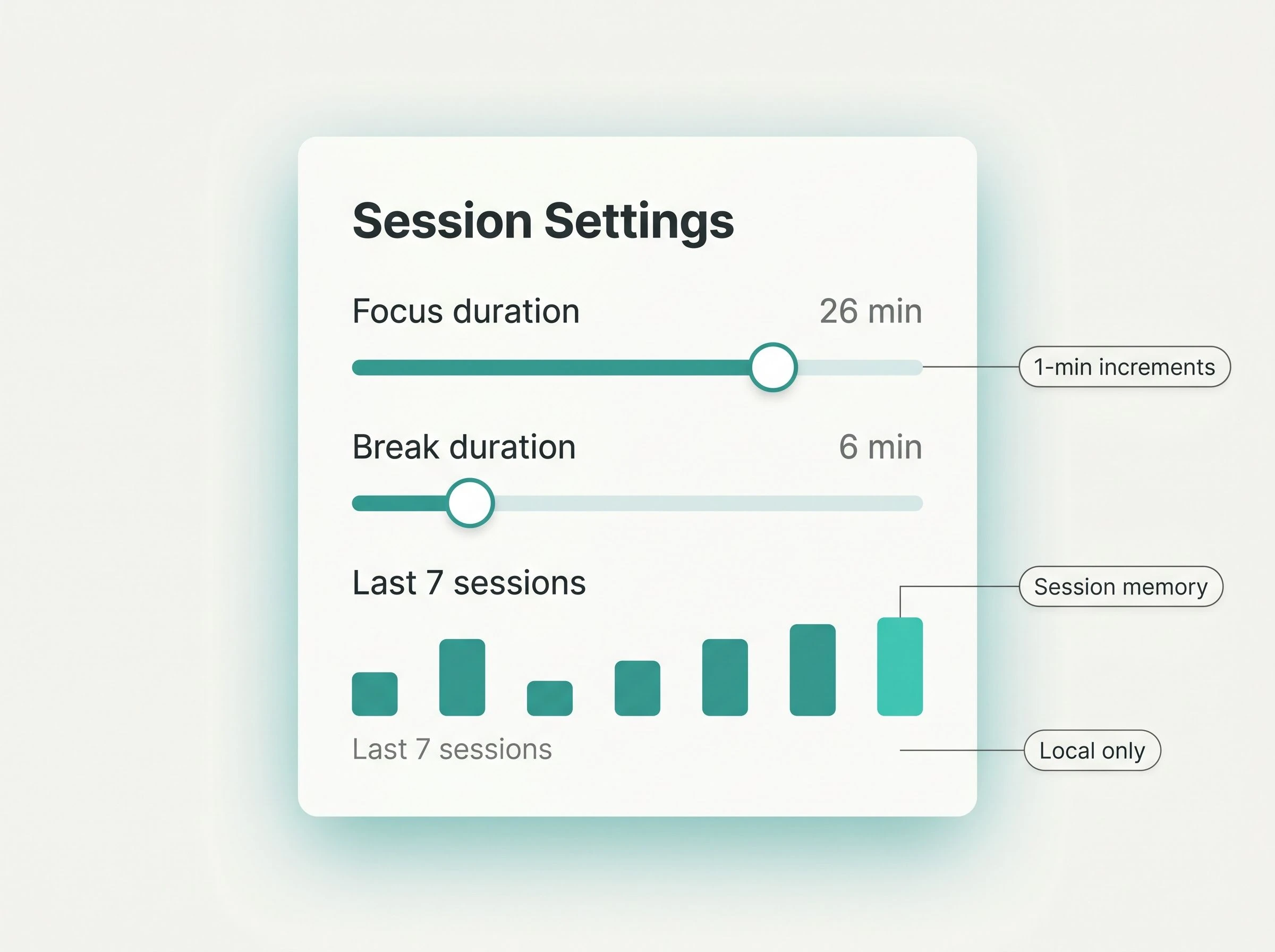
Intervals are adjustable in 1-minute increments rather than preset options. The last session length you used is saved automatically, so reopening the app never resets your rhythm. A minimal session-history chart sits below the timer — not to gamify your output, but to show you honestly how the day is going.
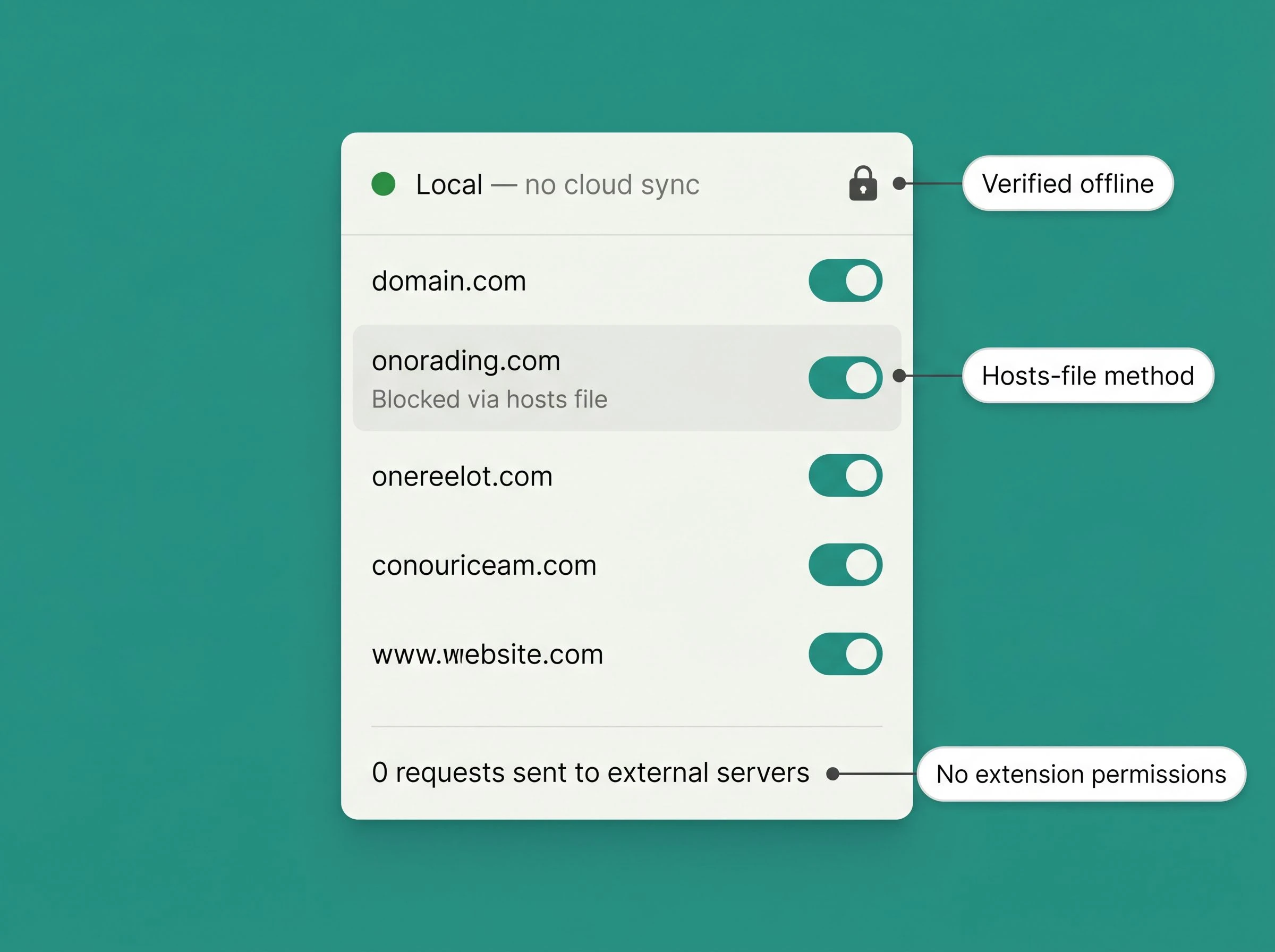
Blocker — local-first, no exceptions
The distraction blocker modifies your machine's local hosts file directly. There is no cloud component, no browser extension requesting access to all your browsing data, and no dependency on an external server being reachable. Toggle a site off the blocked list and it is unblocked — on this machine, right now, without a round-trip anywhere.
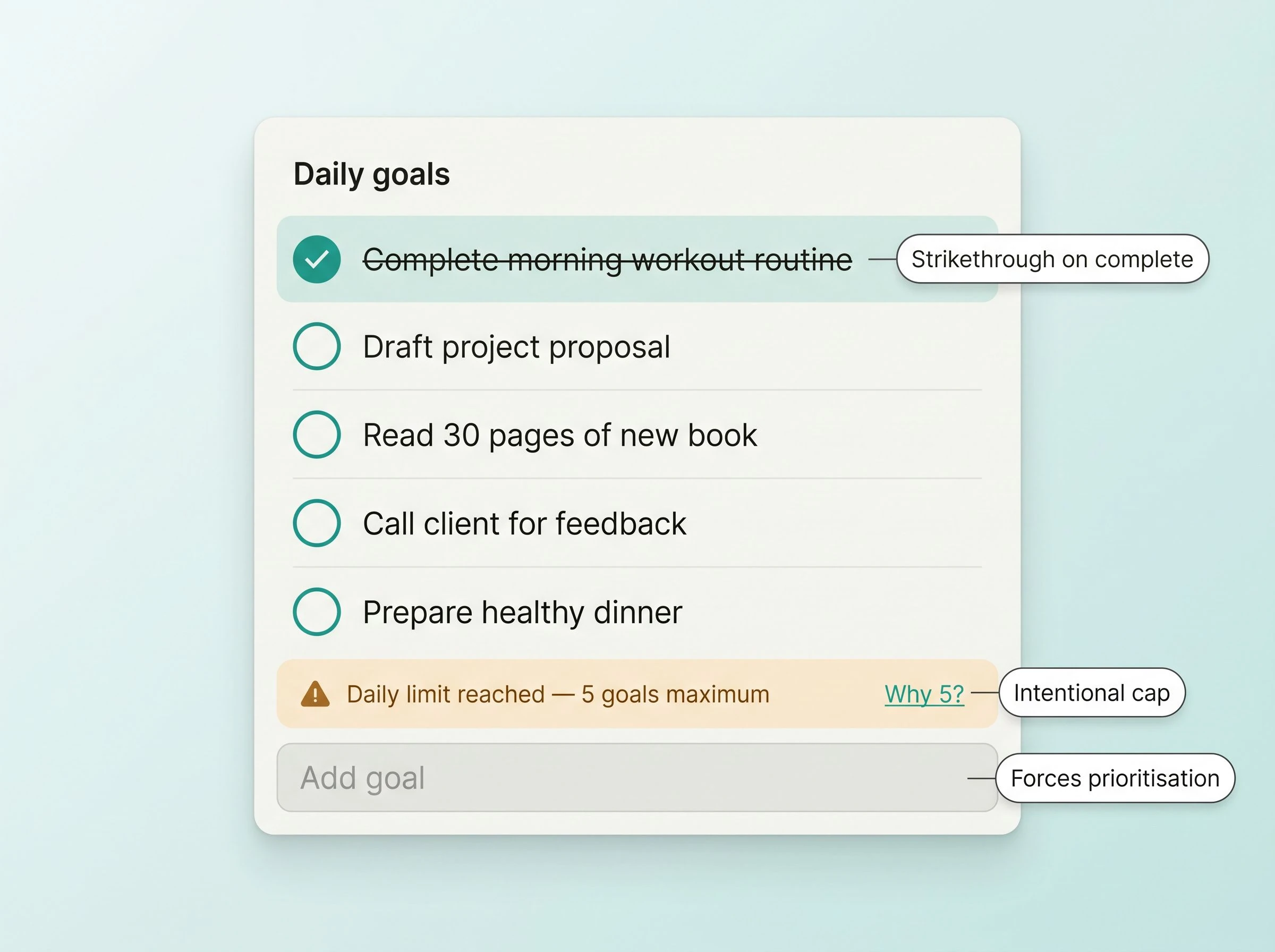
Goal tracker — five slots, not a thousand
The daily goal list accepts a maximum of five items. Attempt to add a sixth and the app stops you with a plain message: "A list of six is a list without priorities." The cap is not a limitation of the data model. It is the feature. Completion percentage is shown, not celebrated — a number on a screen, not a confetti animation.
The tools you are already using were not built for focus.
They were built for everything — which is another way of saying they were built for nothing in particular. That is not a criticism. It is just a different design intent.
| Setup time per session |
|
|---|---|
| Privacy footprint |
|
| Monthly cost |
|
| Mental overhead |
|
| Context switches per hour |
|
| Net difference | Switching to this app removes approximately 9 UI interactions per focus session, eliminates 2 additional billing relationships, and reduces browser-extension permissions from broad site access to none. |
Fourteen days to find out what you actually get done when nothing interrupts you.
No sales demo. No onboarding call. Download the app, start a session, and see what the afternoon looks like when you finish what you planned.
Send me the setup guide instead
We send one email — the setup guide. No sequences, no re-engagement.
People who protect their focus for a living use this.
"I have tried Toggl, Forest, Freedom, and a custom Raycast script I wrote myself. This is the first tool where I stopped noticing the tool. It just runs. I finished 4 of 5 goals yesterday for the first time in about three months."
"The five-goal cap annoyed me on day one. By day three I realised it was just telling me the truth about my planning. I stopped adding things I was not actually going to do."
The distraction blocker that works offline and does not touch my browser is worth the subscription on its own.
"I run documentation sprints that need exactly 45 minutes of no-interruptions. Every other timer either reset when I closed the lid or sent me a notification during the session. This one does neither."
"Sceptical of anything that calls itself minimal, because that usually means half-finished. This is minimal in the way a good text editor is minimal — everything that needs to be there is there."